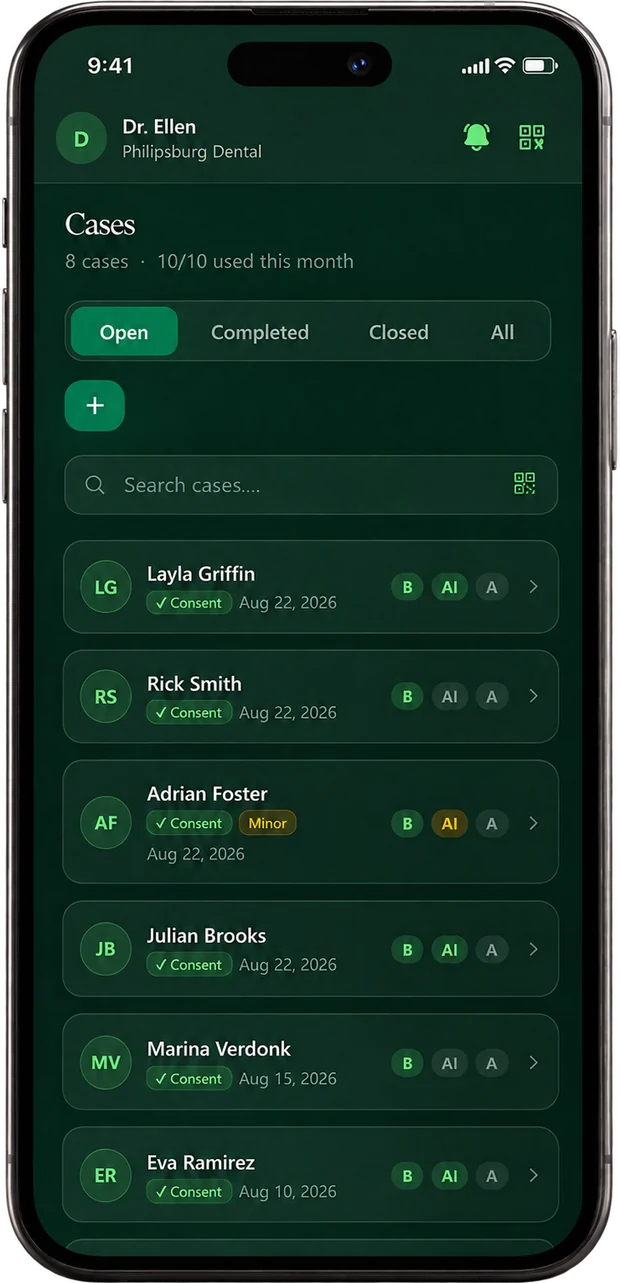
Nothing to install
It runs in the browser, on the phone or tablet your practice already has. No IT project, no new hardware.
See it runningHow it works
SmileStudio sits inside the consultation you already run. One photo, a preview the patient can see and take home, and a rating when the treatment is finished. Nothing new to learn, nothing to install.

Rated five stars. Cleared to share.
Start with a new patient, a treatment already running, or a folder of old photos. You do not have to begin at the beginning. Every case you bring in works the same way: the patient sees the result, the finished before-and-after stays with your practice, and the rating comes back to you. Nothing to install, nothing to learn, and your existing caseload counts from day one.


1 / 4
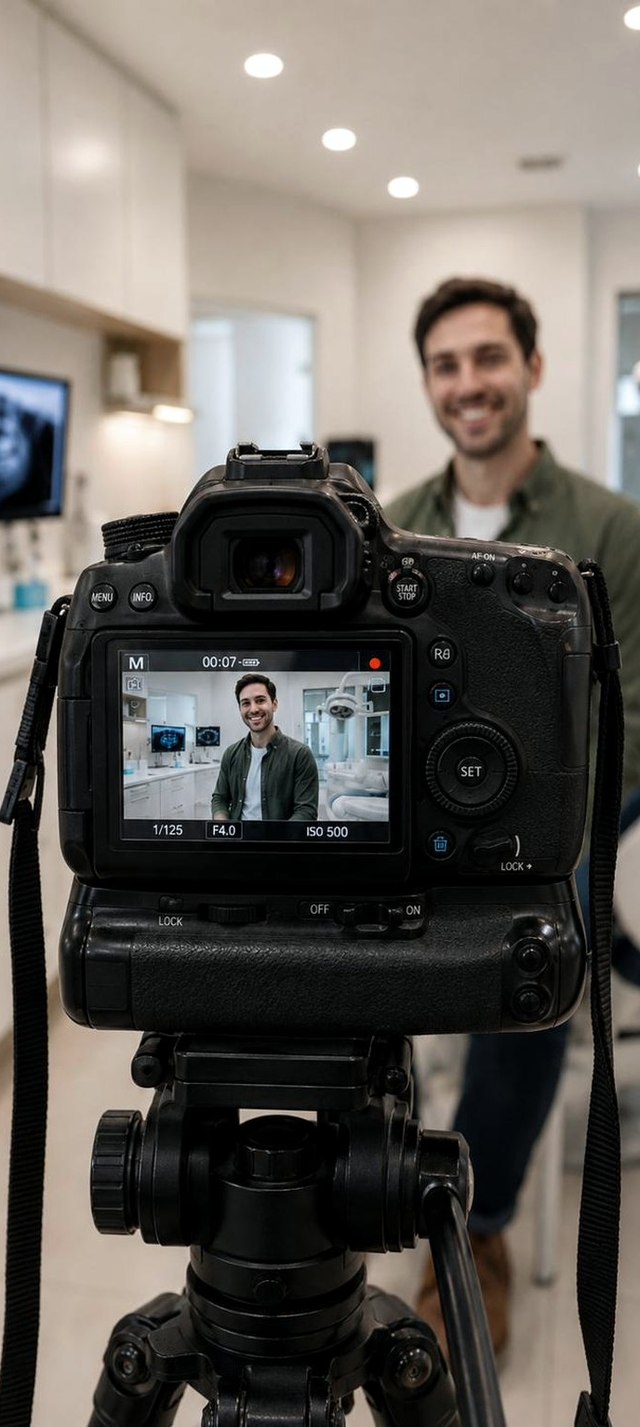
Take a photo on the phone or tablet in the room, use your clinical camera, or upload images you already have. Guided framing keeps every case consistent, so the first looks like the hundredth.
Try your own case2 / 4
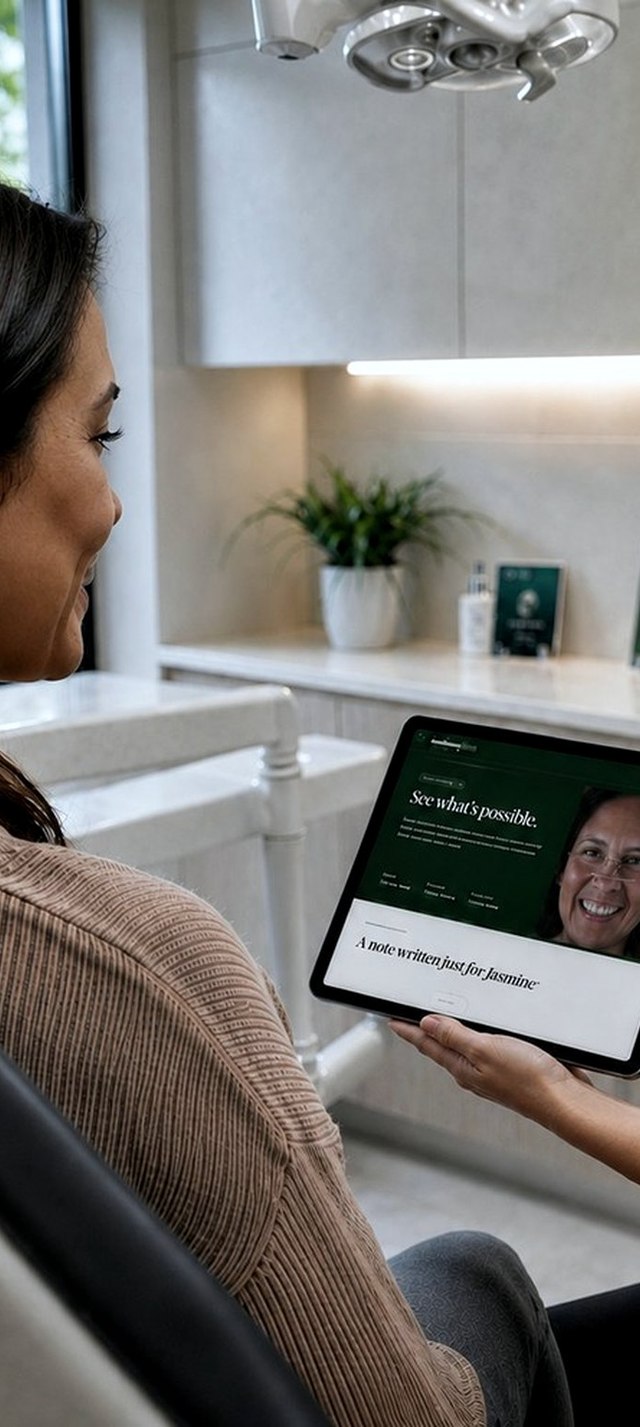
The preview is ready in under a minute. You see it first and decide whether to show it, then turn the screen around. This is the moment the conversation changes.
See it live3 / 4
The picture carries on wherever they go — the kitchen table, the office, the bar on Friday. They show their partner, their sister, the friend who asks where they had it done. The finished before-and-after gets shown for years.
See the patient view4 / 4
At the completion visit the patient rates their result on your device. The finished before-and-after, with the rating on it, goes into a marketing library that belongs to your practice.
Start your libraryWhy practices keep it
It runs in the browser, on the phone or tablet your practice already has. No IT project, no new hardware.
See it running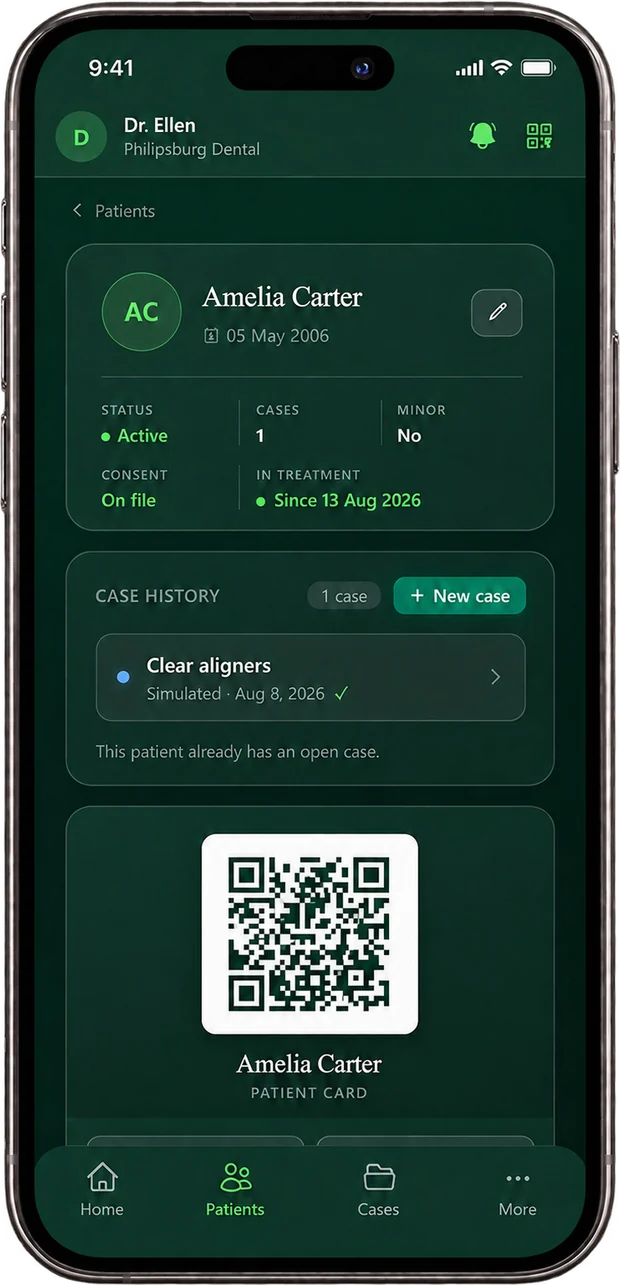
Your coordinator, your assistant, or you. If they can take a photo on a phone, they can run a consultation.
See how simple
A photo and a name is all it needs. HIPAA-ready, with a BAA, and consent recorded as you go.
See what it needs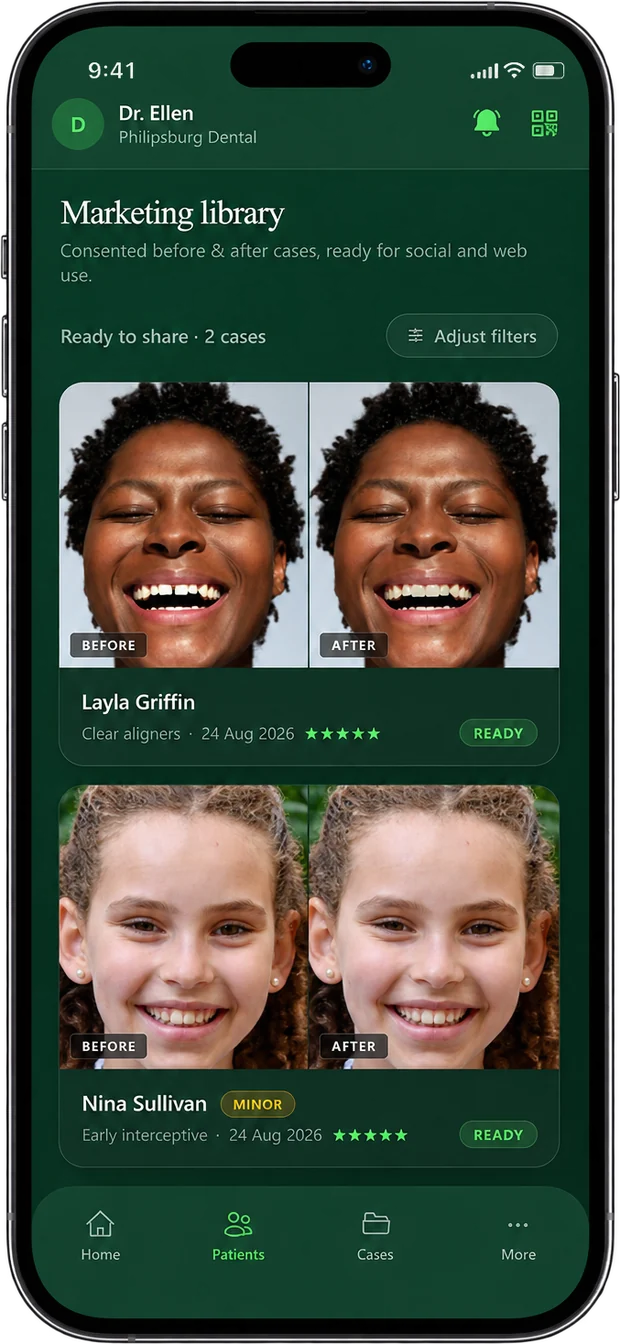
Every treatment you finish makes the next patient easier to convince, and the library stays yours.
See it compoundSee it on your own cases
We will run a consultation on a real case with you, on a call, so you can see exactly what your patients would see.
Leave your details and we will find a 15 minute slot that fits around your clinic day.
We will be in touch shortly to book your session.